 SendLit Docs
Authentication
OAuth2, organization keys, and team API keys.
SendLit supports OAuth2, organization API keys, and team API keys.
Use OAuth2 for user-authorized app integrations. Use a team API key for team-scoped server-to-server integrations. Use an organization API key for trusted platform provisioning and organization administration.
OAuth2 for user-authorized integrations
OAuth2 is intended for integrations acting on behalf of a SendLit user. The
authorization server is hosted by the SendLit API under /api/auth/oauth2/*.
Discover its metadata before beginning authorization:
GET /.well-known/oauth-authorization-server
GET /.well-known/openid-configuration
MCP clients may use a pre-registered OAuth client, a Client ID Metadata Document
(CIMD), or Dynamic Client Registration (DCR). With CIMD, the client_id is an
HTTPS metadata-document URL. Modern clients should prefer CIMD; DCR remains
available for existing clients. Clients must use Authorization Code
with S256 PKCE and request only the MCP scopes they need; the complete scope
list and tool groups are documented on the MCP server page.
Authorization requests must include an explicit scope; SendLit rejects an
omitted or empty value instead of granting the client's complete capability set.
Unauthenticated DCR is rate-limited to 20 requests per IP per minute.
For a multi-team account, SendLit asks the user to choose the team during the
OAuth flow; the resulting token is restricted to that chosen team.
API keys
API keys look like sl_live_... followed by a random secret, and are sent via the x-sendlit-apikey header. The sl_live_ prefix makes leaked keys detectable by secret scanners, so treat anything matching it as a credential.
Keys are stored hashed (SHA-256), which means:
- The full key is shown exactly once, in the response that creates it (
POST /teams/:teamId/keys, thecreate_api_keyMCP tool, or the provisioning call that first creates a team). Store it securely at that moment — it cannot be retrieved later. - Key listings only include each key's
keyPrefix(the first few characters, e.g.sl_live_a1b2) so you can tell keys apart. - Keys are revoked by their
id(DELETE /teams/:teamId/keys/:keyId), not by the secret.
If a key is lost or leaked, revoke it and create a new one.
Dashboard sign-in
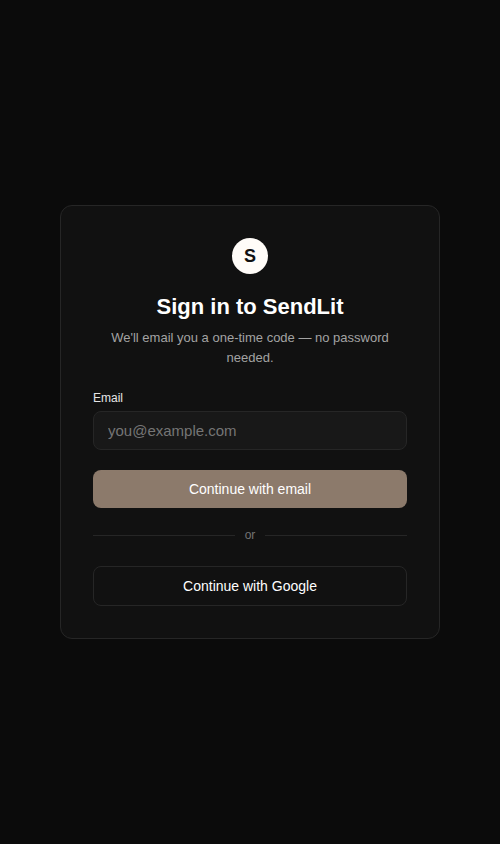
The web dashboard uses email OTP sign-in. The session is separate from team API keys: use the dashboard session for interactive administration and an API key for server-to-server requests.
Organization-key provisioning
Provisioning is intended for trusted multi-tenant consumers. Create an
organization key with teams:provision and send it as a Bearer token:
Authorization: Bearer sl_org_live_…Provisioning is idempotent per externalId within the key's organization. The
response's apiKey is only present on the call that creates the team—persist
it then. Re-provisioning returns the existing team without a key; if it is
lost, create a replacement through the provisioning team-key route.
See Organizations and Provisioning for the complete workflow.